Find any note by describing it. Chat with your PDFs. Record your meetings. All with AI that runs 100% on your computer.
No account · Free to start, then $25 $9.99 once
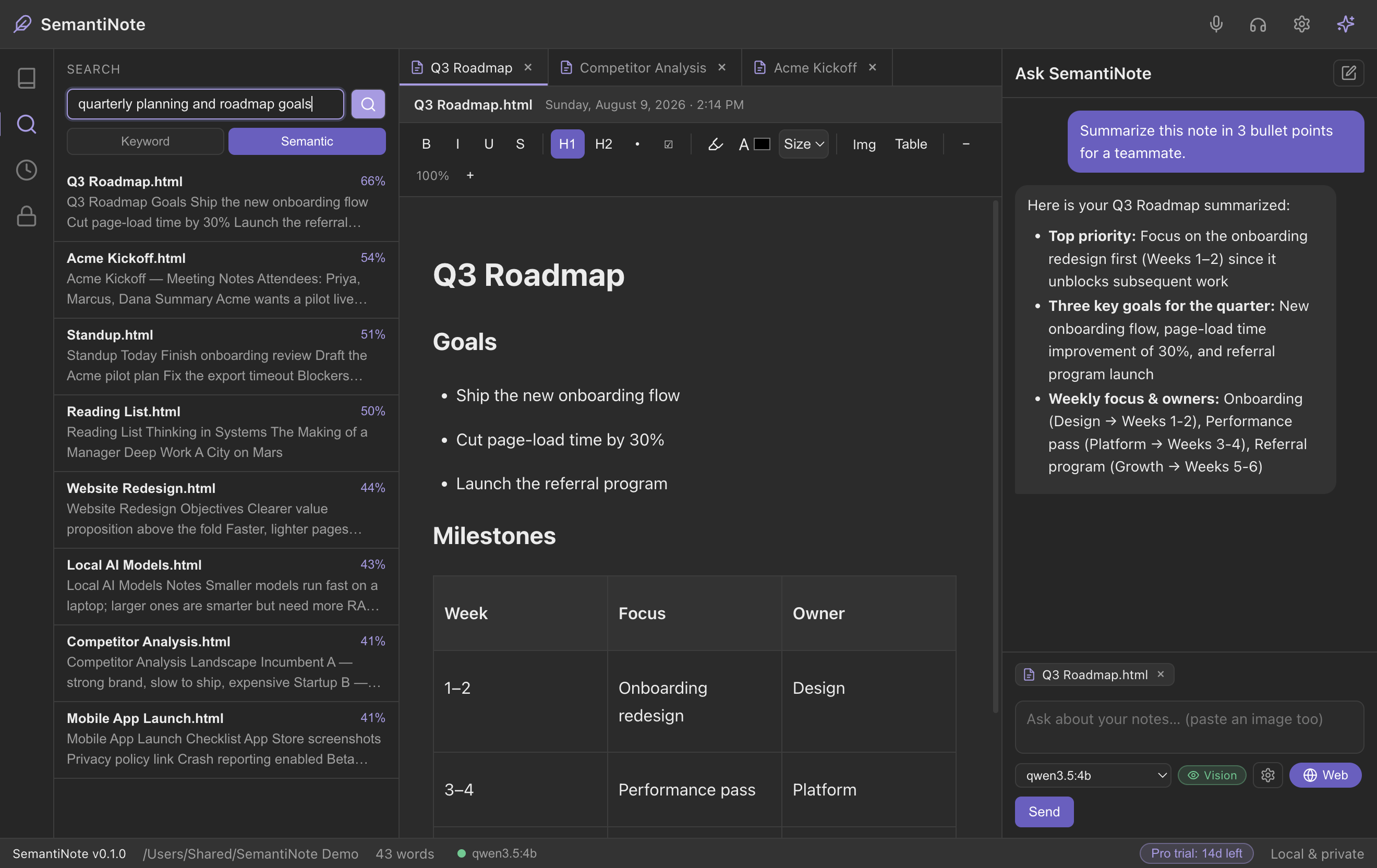
Describe what you remember — “the pricing idea from the client call” — and SemantiNote finds it, even without the exact words.
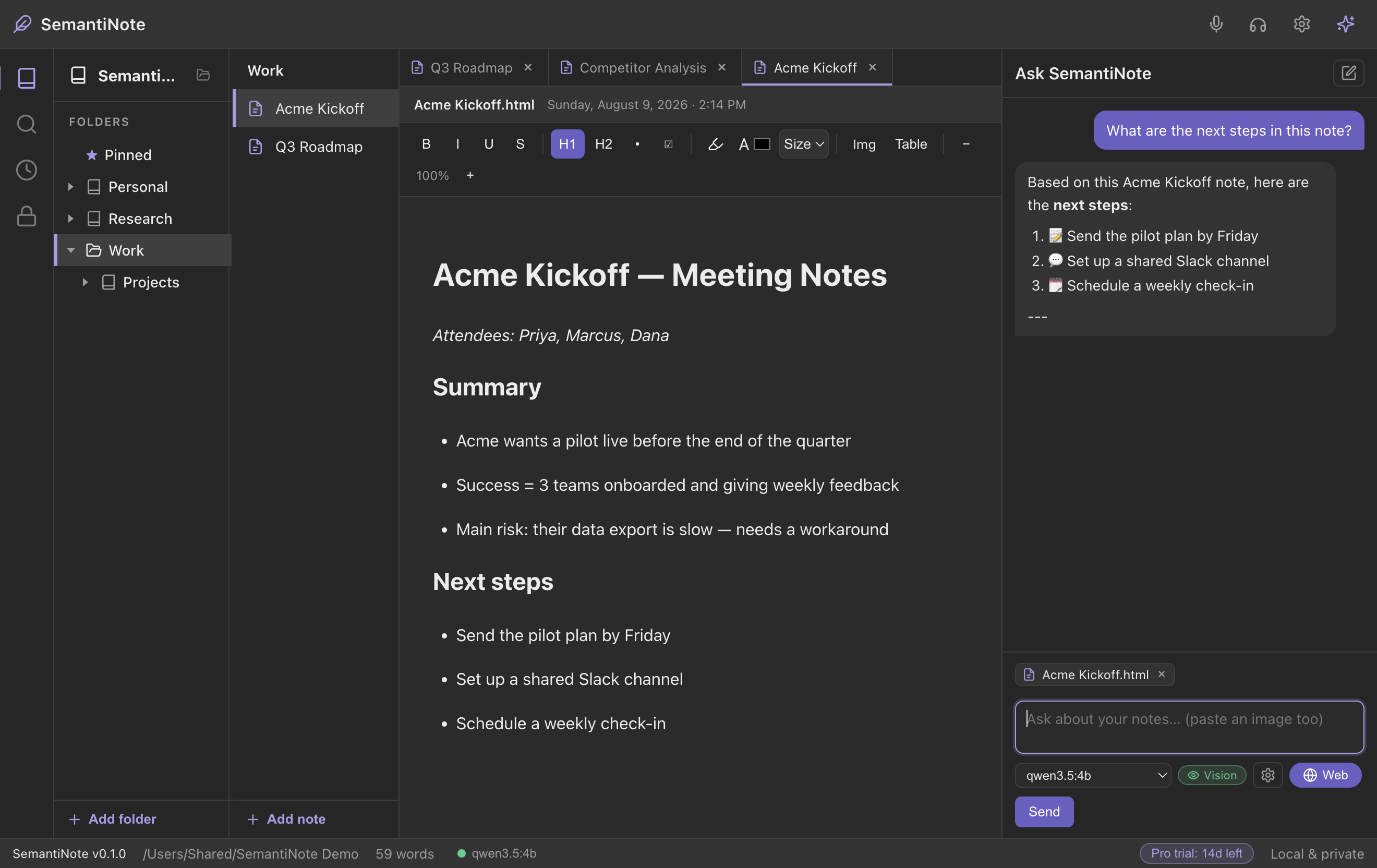
Get real answers from your own files — summaries, action items, a clean outline, or a polished PDF report.
Press ⌥ Option + Space (Mac) or Alt + Space (Windows) in any app. A small window searches through your notes, PDFs, spreadsheets and memories, cites the note or memory it used, and lets you copy or paste the answer straight into Slack, Teams or an email.
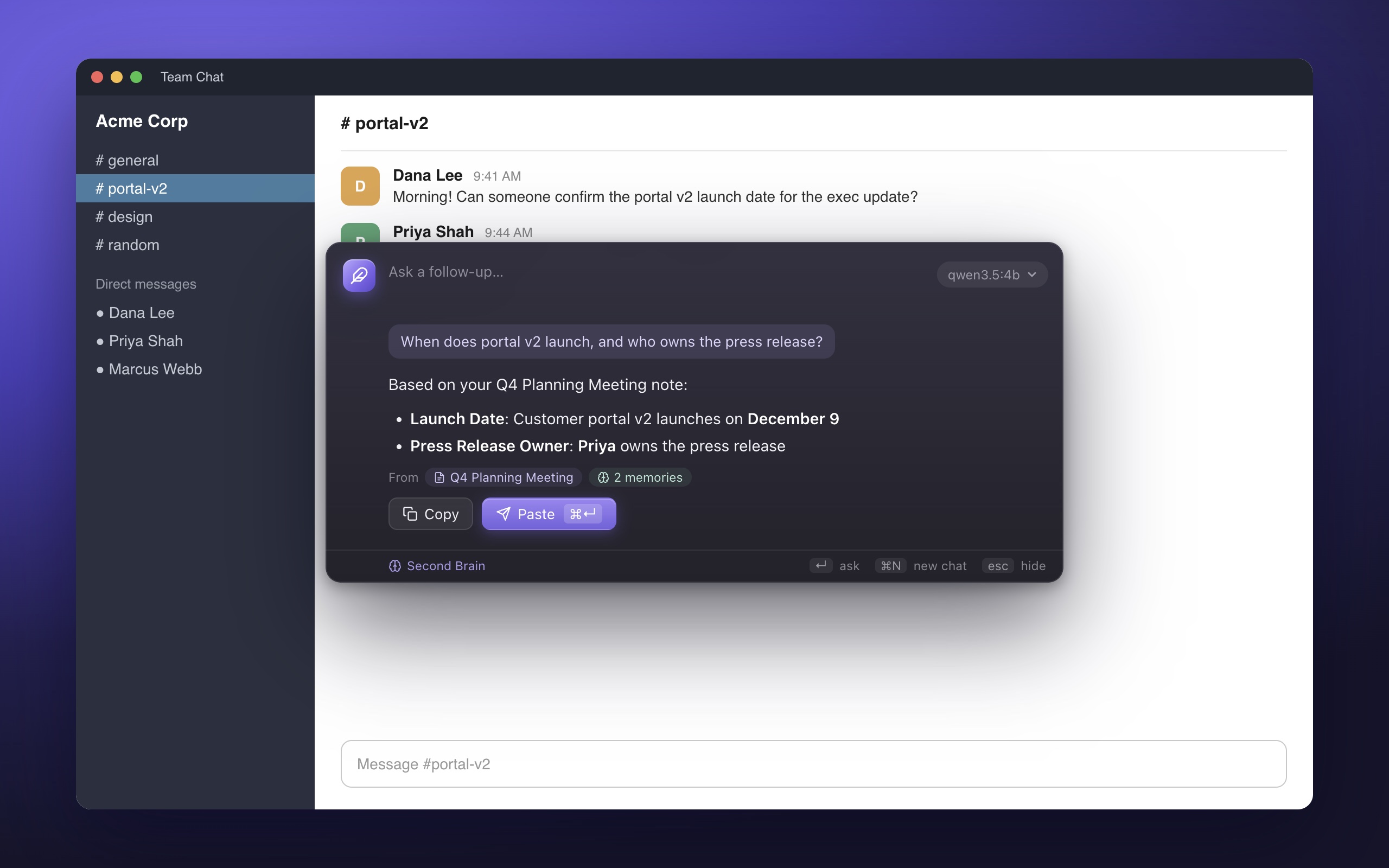
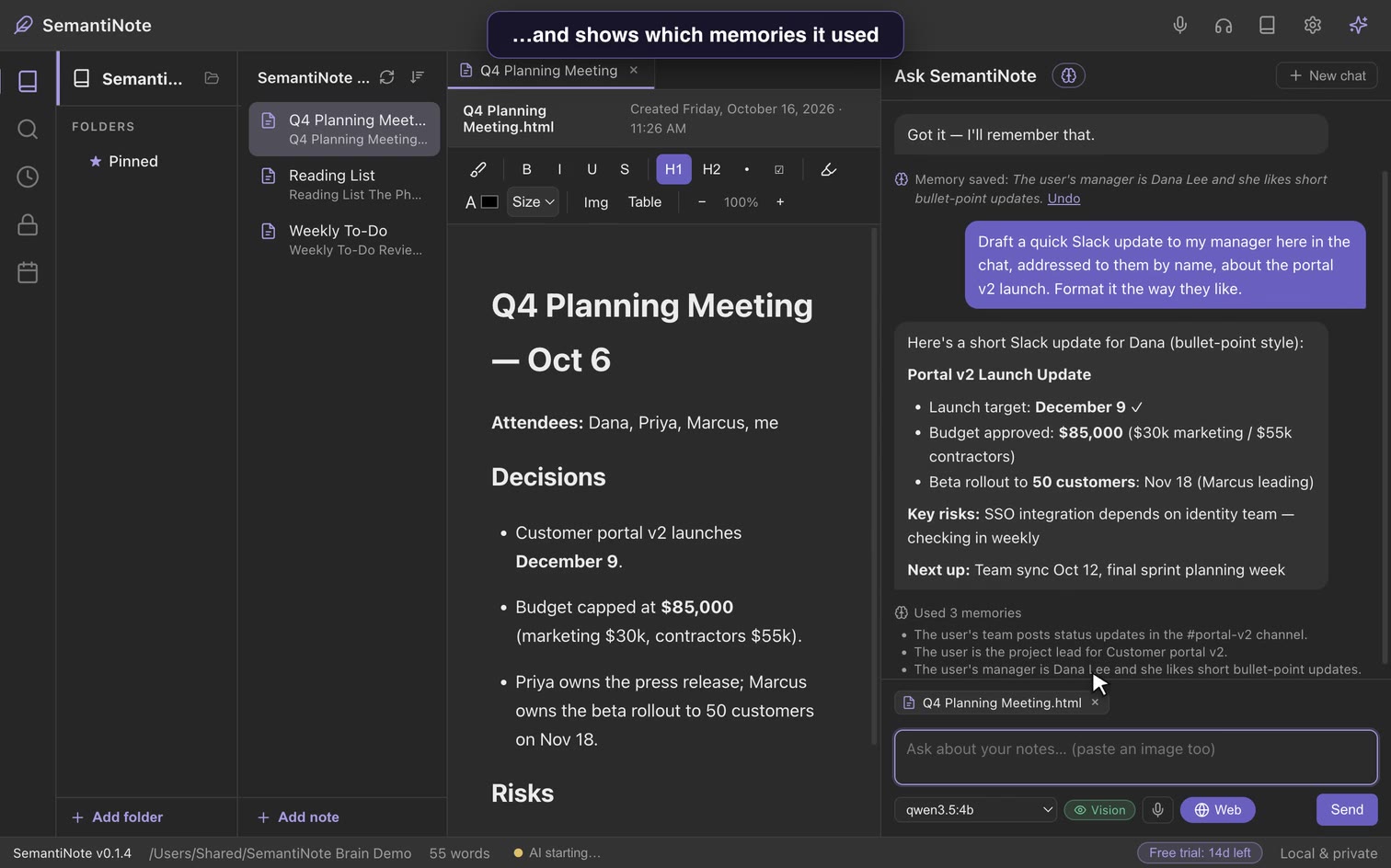
Turn it on and SemantiNote learns the important context about you over months and years — your people, projects and preferences — and uses it to answer better, showing which memories it used. See, edit or delete any memory anytime. It all stays on your computer.
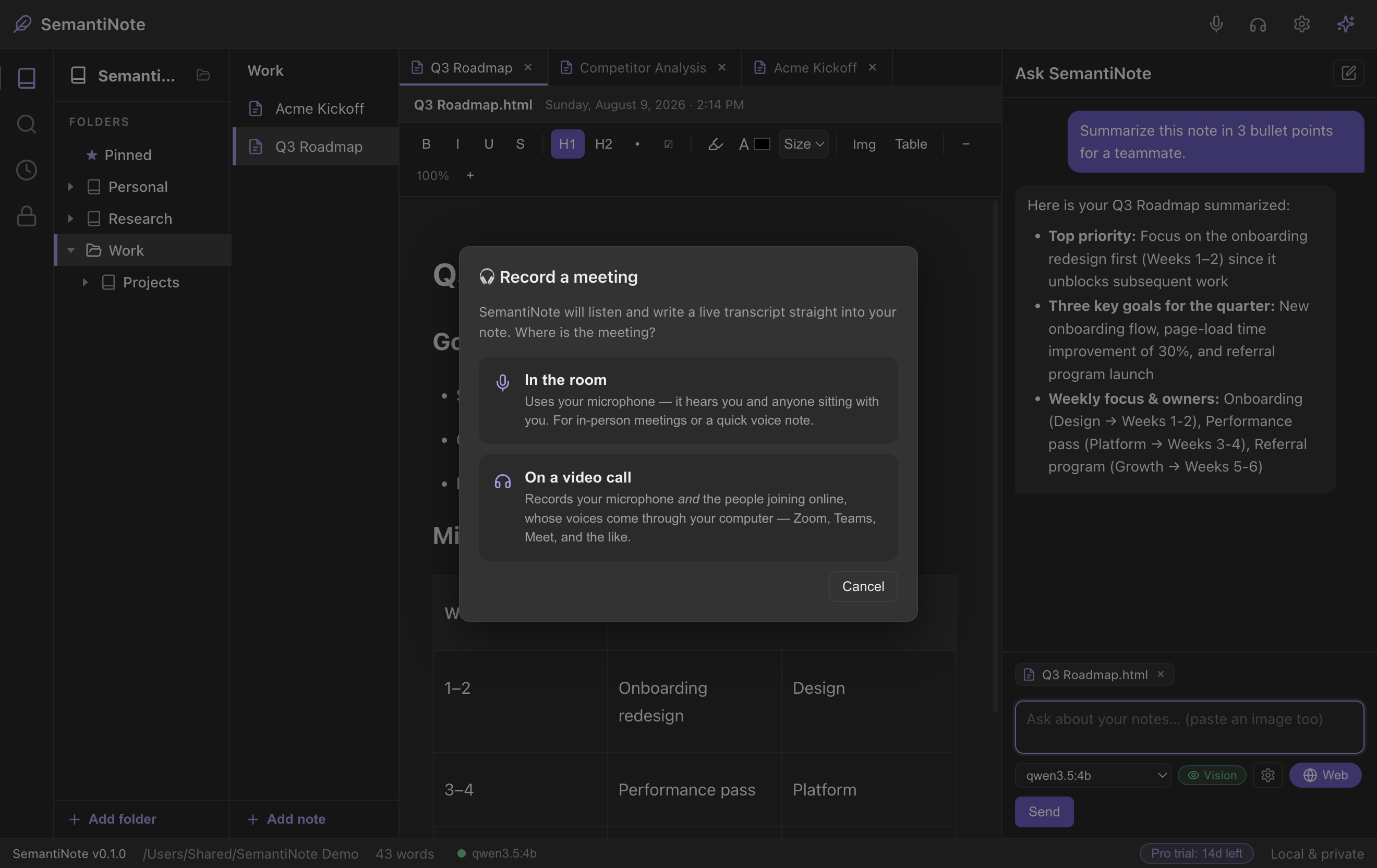
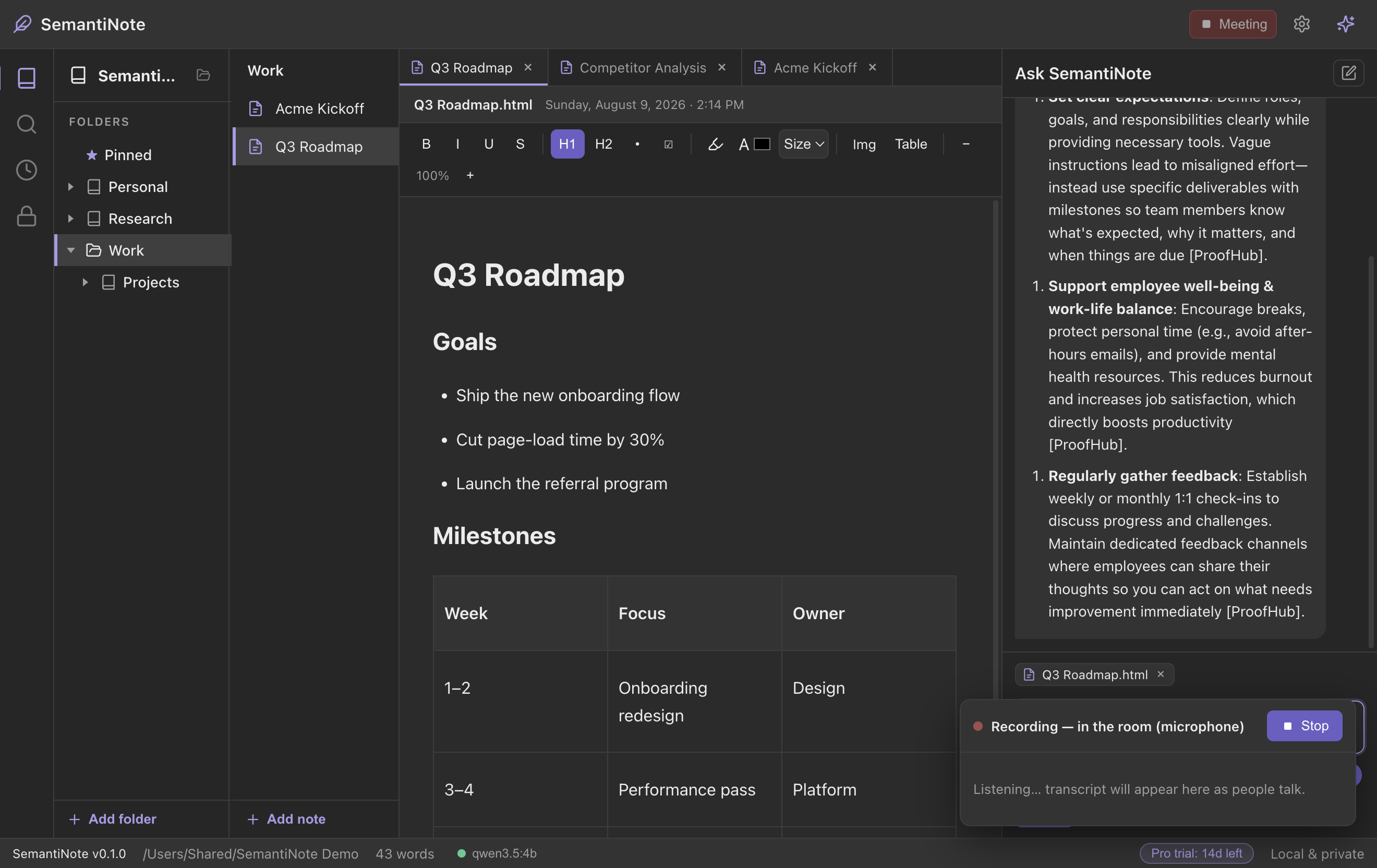
Zoom, Teams, any call or lecture — every word becomes a note you can search and ask about.
Press the mic and speak — your words appear in the note, transcribed on your own computer.
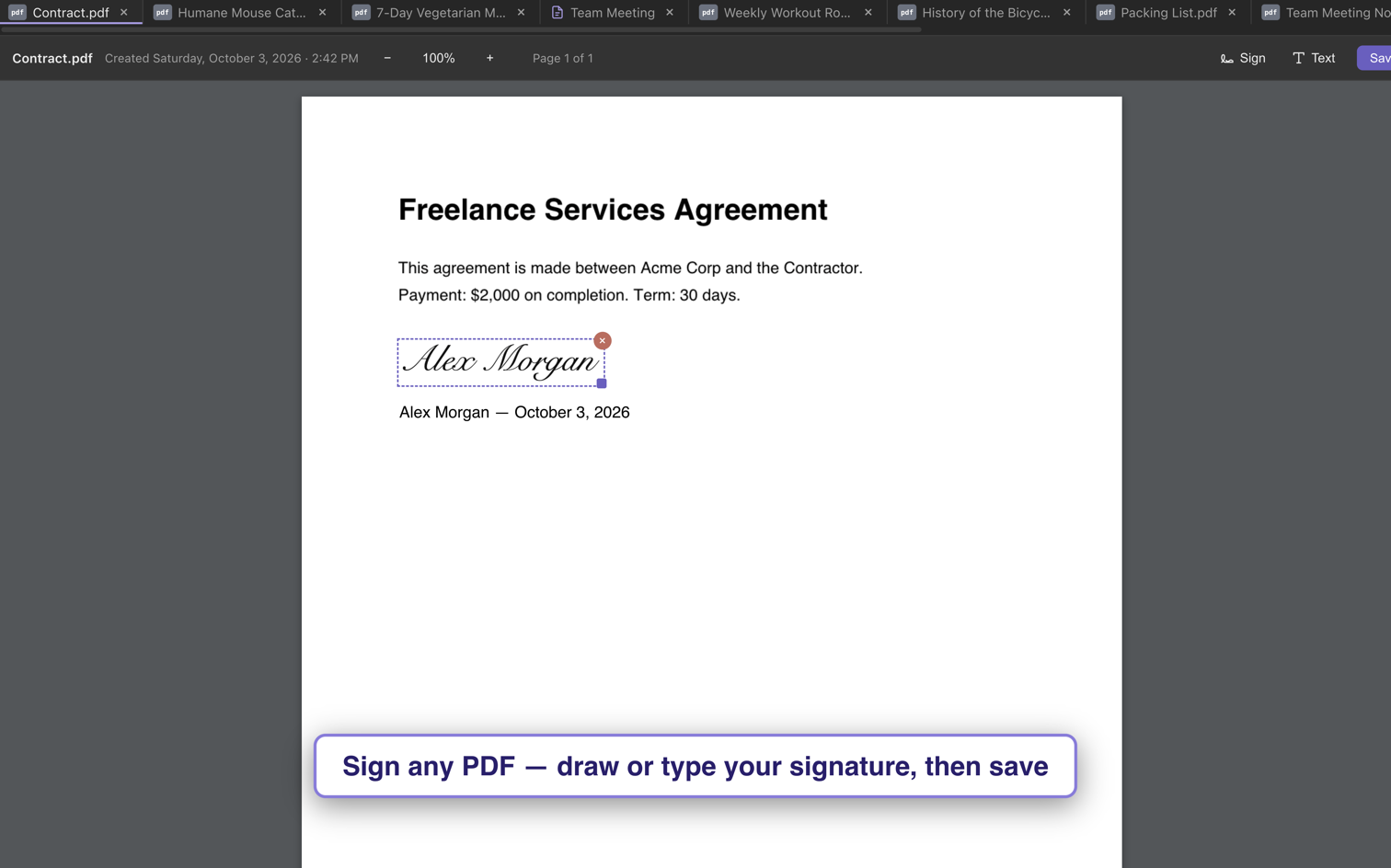
Draw or type your signature, add the date, fill in the form — then save. Done in seconds.
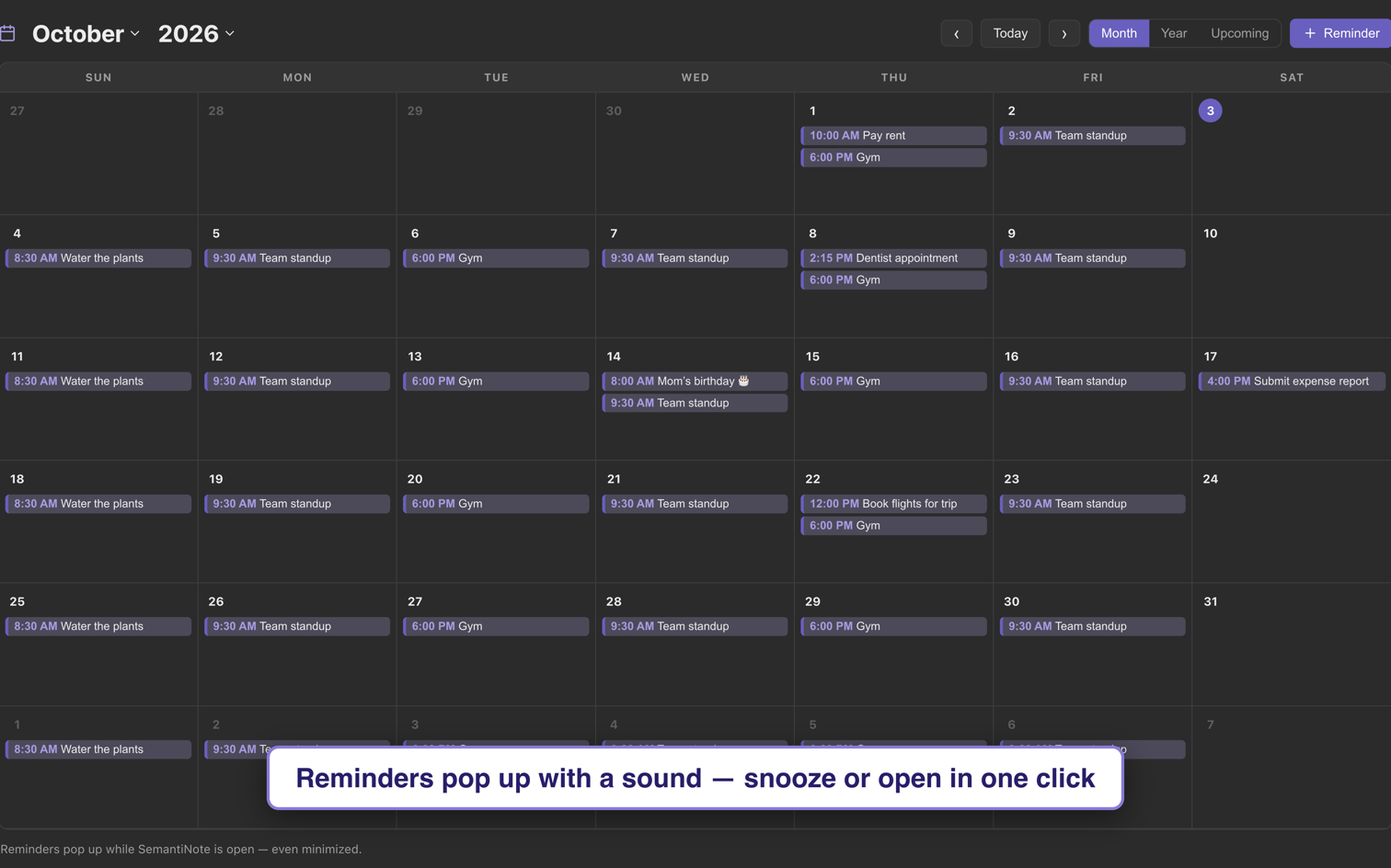
A built-in calendar pops up your reminders with a sound — snooze for 10 minutes or until tomorrow.
Logins, keys and codes in an encrypted safe — reveal or copy in one click, never seen by the AI.
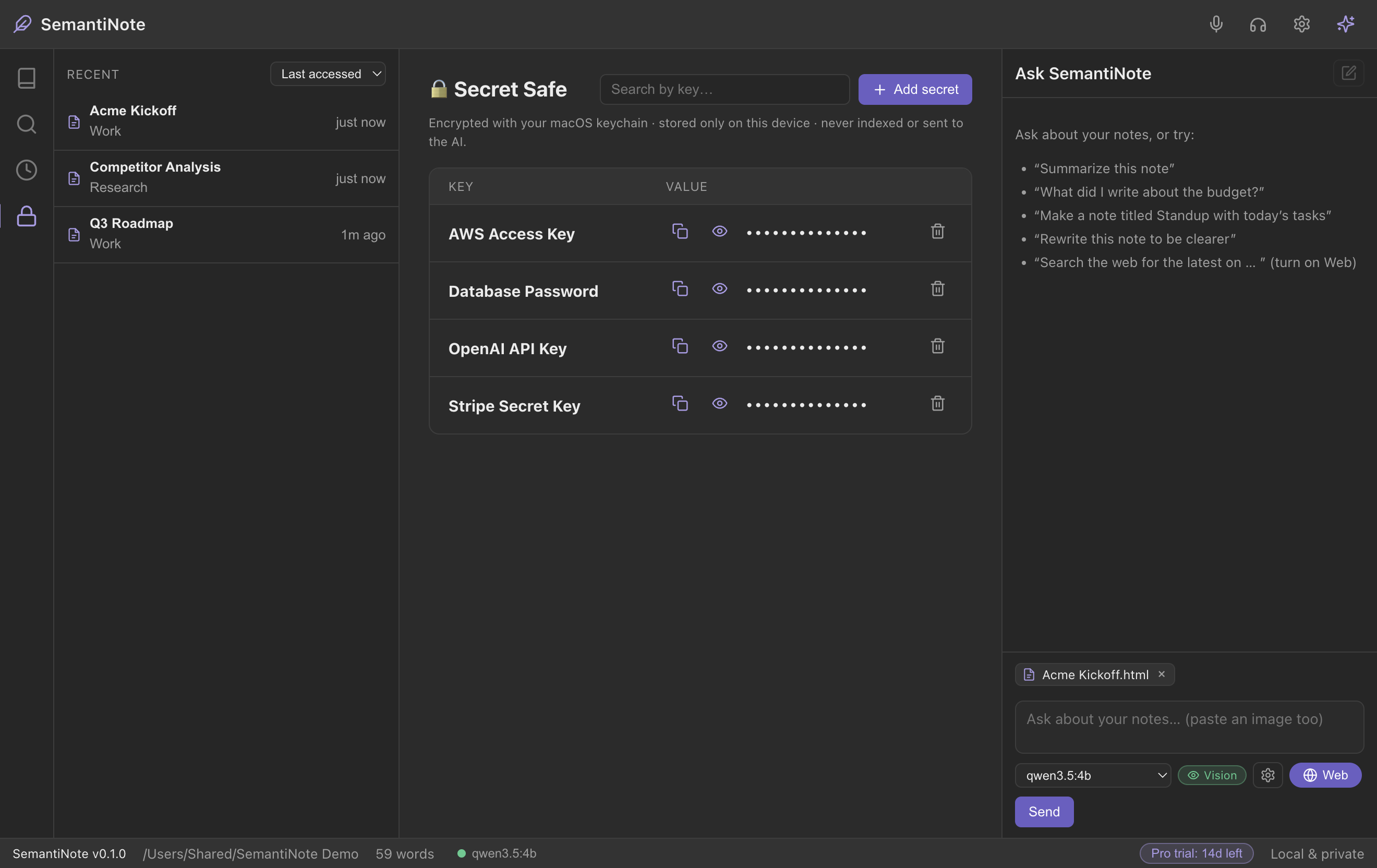
Notebook, PDF signing, calendar & Secret Safe free forever · AI free for 14 days · no card needed
One-time payment. No monthly fees — ever.
Already love it? Get your product key ›
💯 100% money-back guarantee. Not happy? Full refund, no hassle.
Yes — the notebook, dictation, keyword search, PDF signing & form filling, the calendar & reminders and the Secret Safe are free forever. The AI (chat, summaries, search by meaning, AI-made PDFs) and call & lecture recording are free for 14 days; after that it's one payment of $9.99 for a product key. Never a subscription.
Completely. The AI runs on your own computer — nothing is sent to the cloud or used to train AI. It even works with your Wi-Fi off.
No. Download, open, and a short walkthrough sets up the AI for you in a couple of minutes.
You pick an AI model that fits your machine, and it only runs when you ask it something.
Mac (Apple Silicon & Intel) and Windows 10 / 11 (64-bit).
 SemantiNote